This is an old revision of the document!
Table of Contents
DM15L Info
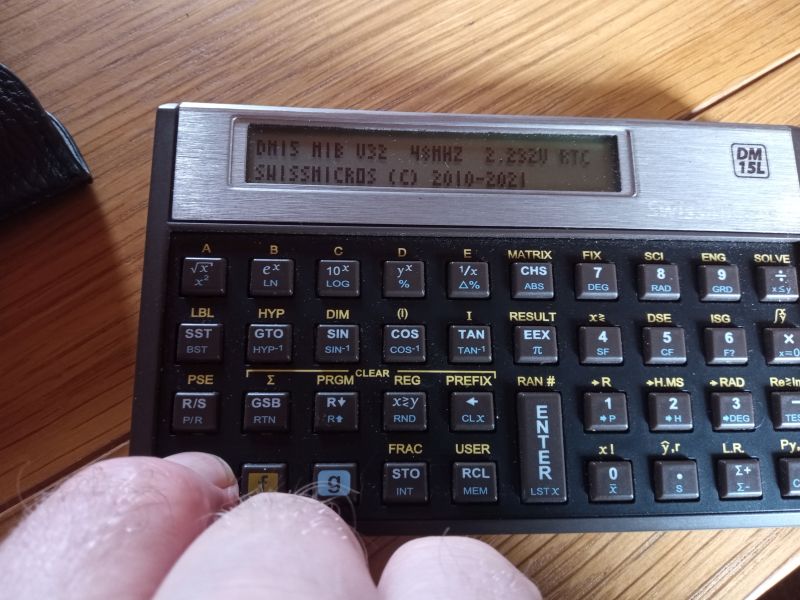
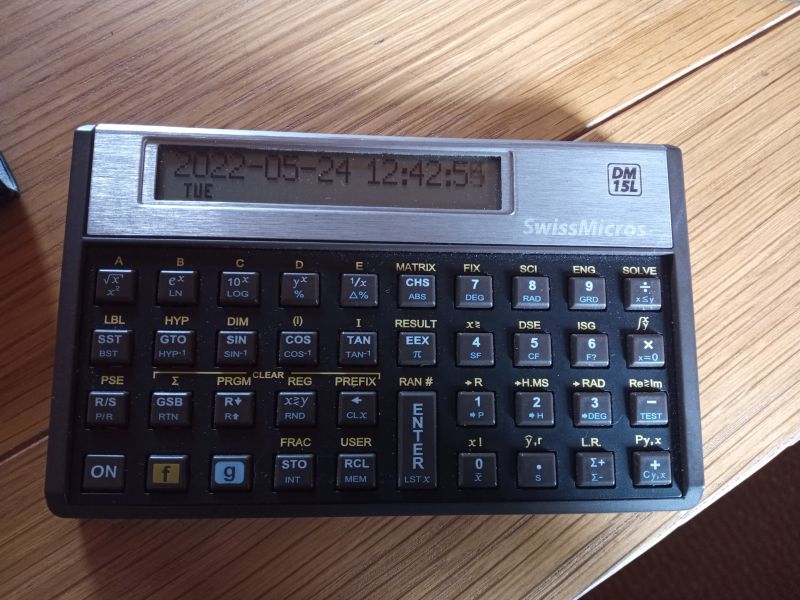
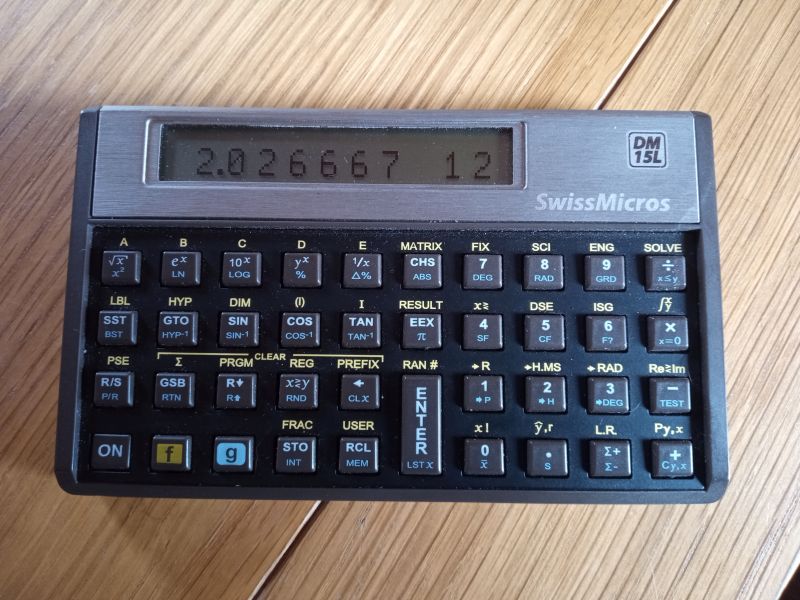
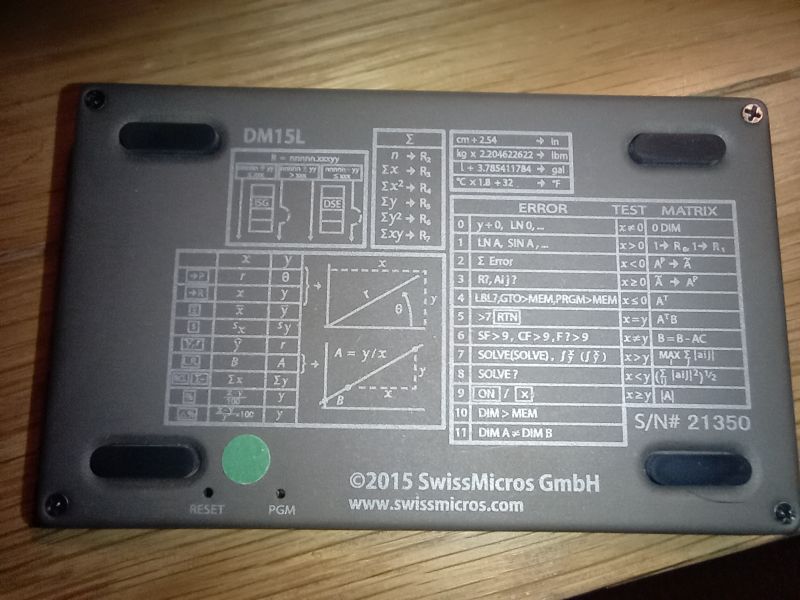
Purchase Information
- Date : September 2021
- From : Swiss Micros (direct)
- Price : £95
- Serial : 21350
- New Battery
- July 27th 2022
- July 26th 2024
Firmware
Upgrade firmware on Linux
sudo lpc21isp <firmware_file> /dev/ttyUSB0 115200 12000
Upgrade firware on Windows
Serial USB Driver for Windows
Windows Firmware Upload Tool
Swiss Micros Official
Swiss Micros Firmware files
| Date | Serial No. | Firmware | Version | Firmware Files | Comments |
|---|---|---|---|---|---|
| 24/05/22 | 21350 | DM15_M1B | 32 | dm15_m1b_32.zip | Extended User Registers |
| 22/11/23 | 21350 | DM15 | 32 | dm15_32.zip | Standard User Registers |
| 21/12/24 | 21350 | DM15_M1B | 33 | dm15_m1b_33.zip | New 2-line stack and other mods |
| 23/01/26 | 21350 | DM15_M1B | 34 | dm15_m1b_34.hex | Bug fixes to new version |
| ROM | Allocatable registers | RAM base addr. | Initial Memory Status |
|---|---|---|---|
| DM15 (Original ROM) | 64 | 0xc0 | 19 46 0-0 |
| DM15_M80 | 128 | 0x80 | 19 110 0-0 |
| DM15_M1B | 229 | 0x1b | 19 211 0-0 |
LF15C - 3rd Party Firmware
- From HP Forum https://www.hpmuseum.org/forum/thread-20046.html
For more details see LF15C
LF15C Firmware Files
LF15C General Info
The firmware behaves mostly like a normal HP15C with a few differences:
- Press f I in normal mode to create & destroy a complex number from⇔to
y(real) andx(imaginary)
- 3ENTER4
Y: 3.000X: 4.000
- fI creates
X: 3.000 4.000i
- Press f (i) to change
xto its complex conjugateX: 3.000 -4.000i
- Press fRe<>Im to switch Real and Imaginary parts of complex number in
xX: -4.000 3.000i
- Press f I will destroy the complex number back to
y(real) andx(imaginary) Y: -4.000X: 3.000
- FIX/SCI/ENG don't round numbers unless gRND is pressed. Section 5 (page 59) of the manual suggests that the precision set with SCI sets how the number is rounded during operation
- fENG
nnsets the number of significant digits as requested, UNLIKE the original HP15C where fENGnsets the significant digits ton + 1
- To run a program other than A-E press f LBL
##which is different than on the original HP15C where to run a label you used GSB##
- Long press STO to dump program memory to serial. Long press RCL to put the calculator in listen mode, where numbers received on the serial interface are written to program memory. The speed of the serial port is 57600 baud.
- In program mode, f CLEAR PREFIX places the
runTimeopCode in the program.runTimewrites toxthe program execution time once it's executed.
- Indirect addressing the labels A to E is done with I = 100 to 104. NOT SURE ABOUT THIS

- There are 10 user flags, from 0 to 9.
- Long press GTO in program mode to access go to label feature (single press in run mode)
- Long press GSB in program mode to access go to line feature (single press in run mode)
- f →R and g→P apply on complex numbers - NOT between
xandystack levels.RandPare mode switching commands. When inPolar mode ALL Complex numbers on the stack are in Magnitude/Angle format and normal arithmetic can be done in this mode.- this is unlike the HP15C, where complex arithmetic has to be done in
Rectangular mode - andPolar format numbers must be converted →Rfirst. - To confirm the mode in use an annunciator is always present
RorP
- It’s possible to delete a single program with f CLEAR PRGM followed by a label
- f and a long press on CLEAR PRGM deletes the entire program memory
- f USER and gMEM are not implemented and don't do anything at the moment.
- When running a program step by step, a long press on SST doesn’t execute the current step.
SOLVEandIntegratework in similar ways to stock HP-15C
LF15C Serial Port Info
- Serial Port dump info : https://www.hpmuseum.org/forum/thread-20046-post-194697.html#pid194697
- Serial Port settings
- Rate : 57600
- Data : 8 bit
- Stop : 1 bit
- Parity : None
- Flow Control : None
- To extract a dump from calculator press and hold STO
- the non-zero digits can be copy/pasted into a text file for storage
- To upload a previously saved dump
- copy it to clipboard and then
- press and hold RCL until the terminal shows
Paste PrgMemory: - in Putty ShiftInsert to paste clipboard text into terminal
RTC Error
- RTC is not capable of calibration/correction
- RTC appears to continue running even when switching firmware
- LF15C has no ability to display RTC but it the rate appears unaffected by the firmware changes
Update January 2026
| Date Start | Date Check | Delta | Latest Rate Error | Average Rate Error | Comments |
|---|---|---|---|---|---|
| 23/01/26 | -49.0 | Delta -49.0. New firmware DM15 V34 loaded. New Period | |||
| 23/01/26 | 24/01/26 | -47.0 | +2.1 | +2.1 | After 24 hours |
| 23/01/26 | 26/01/26 | -43.4 | +1.9 | +2.0 | After 3 days |
| 23/01/26 | 27/01/26 | -41.9 | +1.8 | +1.9 | After 4 days |
Swiss Micros Info
- Documentation : Online HTML User Manual
- Documentation : PDF Manual
- Product Page : DM15L
HP-15C Owner's Handbooks
Download from https://literature.hpcalc.org/
- HP-15C Owner's Handbook : https://literature.hpcalc.org/community/hp15c-oh-en.pdf
- HP-15C Advanced Functions Handbook : https://literature.hpcalc.org/community/hp15c-afh-en.pdf
DM15L Memory Dumps and Program Listings
- See DM15L Progs


